Carbon µPlot
Carbon-styled observability charts built on µPlot — for metrics, monitoring, and operational dashboards.
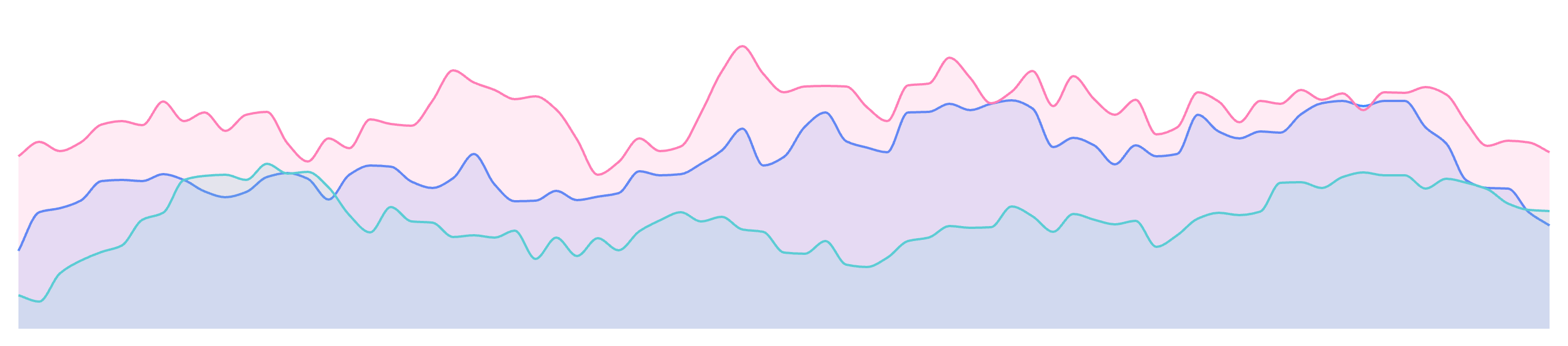
Built for observability data
Columnar by default
Most charting libraries use row objects — one object per data point across all series. Prometheus, CloudWatch, and InfluxDB return parallel arrays: one timestamp array, one value array per series. That is µPlot's native format — no reshape, no per-point object allocation, no transformation step.
Canvas rendering for dense data
µPlot renders on Canvas, not SVG. SVG creates a DOM node for each data point — a chart with 1,000 points across 5 series is 5,000 elements the browser must layout, paint, and manage. Canvas draws pixels directly. Adding data points costs almost nothing extra.
Carbon tokens, zero extra CSS
carbon-µPlot reads Carbon CSS custom properties directly. If your application already uses Carbon, there is nothing extra to load. All four themes — White, G10, G90, G100 — work without any chart-specific configuration.
Chart types
Carbon µPlot vs Carbon Charts
@carbon/charts covers 23 chart types built on D3 — from alluvial diagrams to word clouds. carbon-µPlot is the focused alternative for teams that need only observability charts with the smallest possible path to Carbon styling.
Use carbon-µPlot when you are
- Building a metrics, monitoring, or observability dashboard
- Working with dense time-series data or frequent data refresh
- Already using Carbon and want charts that respect your token overrides
- Shipping a product where bundle size matters
Use @carbon/charts when you need
- Pie, donut, treemap, sankey, or alluvial charts
- A chart type outside the observability set
- A single library covering all visualization across a product